
A look, not a copy

Import a website from a URL: take its look, not its content

To import a website from a URL with Eqlo, you give the address of a site whose style you like. The AI reads its look, meaning the light or dark background, accent colours, fonts, corner shapes, and amount of motion, then applies it to your own project. None of that site's content, whether copy, photos, or logo, ends up in your project.

Import a website from a URL: the Eqlo "Take inspiration from a site" field with an address and the style values it picked up

When another site's style saves you time

You know which style you like but cannot describe it

Describing a look in words is hard, because "clean but warm" says nothing about colours or fonts. Giving the address of a site you like settles it in one step, as the AI reads its stylesheet and turns it into precise values your project reuses.

Your current site has an identity you want to keep

If you are rebuilding your own site, give its address so Eqlo keeps its colours and fonts and your customers still recognise the brand. The copy is written from your description, so paste your own paragraphs into the chat or attach them as a file if you want to keep them.

The site that inspires you belongs to someone else

That is exactly why Eqlo only takes style values and never the copy, photos, or logo. Your site keeps its own content and brand, and a shared colour or font is not enough to confuse two businesses.

Illustrative path

A consultancy that keeps its colours, an example path

Picture a firm whose current site has a navy background, a serif font, and sharp-cornered buttons. When creating the project, the partner describes the business in one sentence and enters the old address in the "Take inspiration from a site" field. Eqlo picks up the dark background, two accent colours, and the font, then generates a new site in that style, with pages and copy drawn from her description, and she later pastes the paragraphs she wants to keep into the chat.

  • 4accent colours picked up at most
  • 3fonts picked up at most
  • 0lines of copy or images copied
An Eqlo project redesigned with the look of another site: dark background, accent colours, and font carried over, with the project's own copy

Import a website from a URL: what is taken and what is not

The import only reads the style of a public page. It gives your project a visual direction without taking anything from its content.

What is taken

The light or dark background, up to four accent colours, up to three fonts, the corner shape (sharp, soft, or round), and the motion level. These values guide the choice among the 21 visual styles in Eqlo.

What never is

The copy, photos, logo, and brand name of the source site. Your project's pages are written from your description, and photos come from your own files or the royalty-free Pexels library.

A public address, or a screenshot

The address must open without a login. If the site is private, refuses the request, or answers too slowly, add a screenshot instead and the AI will read the same look from it.

Two moments to give an inspiration

You can give an inspiration when creating the project or later on a project that already exists. A third path covers the case where you have no reference in mind.

When creating the project

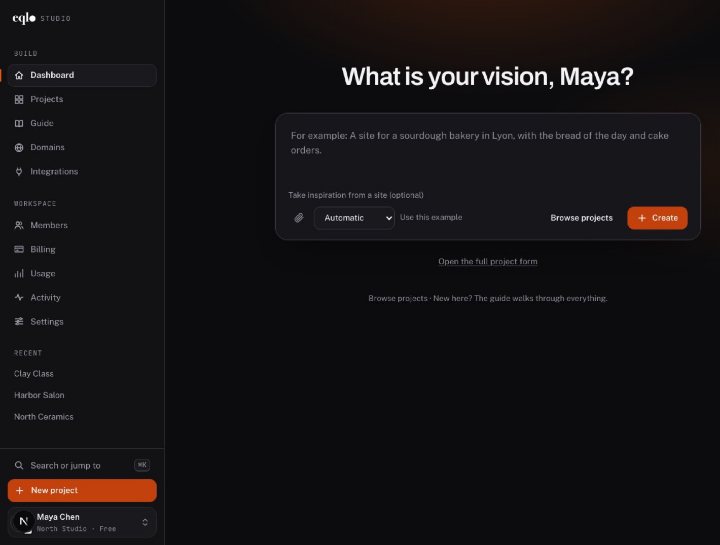
Under the description box, the optional "Take inspiration from a site" field takes an address or a screenshot. The art direction of the first version then follows that look.

On an existing project

The "Take inspiration from a site" button redesigns the project in the new look while keeping the same pages and copy. If you do not like the result, Undo brings back the previous version.

With no inspiration at all

If you have no reference site, the AI picks a style suited to your trade from three candidates. You can still switch style or palette later in the Design tab.

I wanted my clients to find the blue and the font of my old site. I gave the address, then rewrote my copy in the chat, and the look was there from the first version.

PNPath noteA built example, not a customer testimonial

Questions about importing a website from a URL

Will Eqlo copy my copy and my images?

No. The import only takes the visual look. To keep your copy, paste it into the chat or attach it as a file, and add your photos to the project media library or attach them to your message.

Can I take inspiration from a site that is not mine?

Yes, since only style values are taken and never the content or brand. Still check that the result cannot be confused with another business in your field.

What if my old site has addresses Google already knows?

Once the new site is live on your domain, create 301 redirects from the old addresses to the new pages in the publishing screen. The redesign guide explains the steps.

Is this the same tool as the index check?

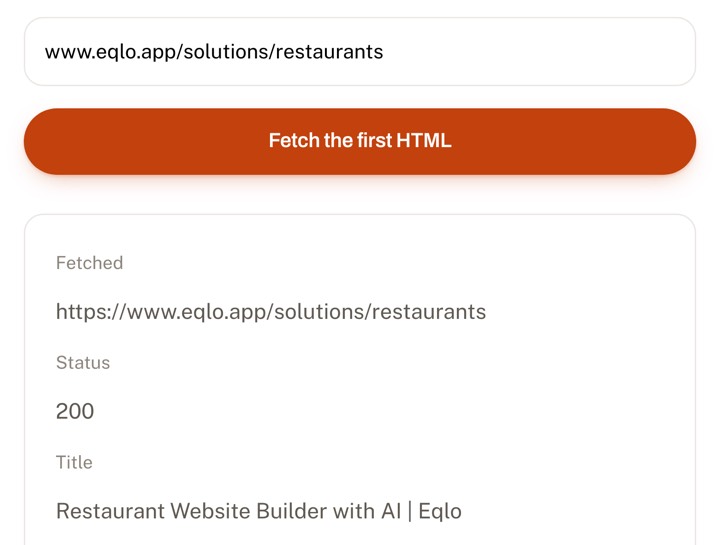
No. The index check shows what a page holds in its first HTML, such as the title and main headings. Importing from a URL only gives your project a look.

Give the address of a site you like

The Free plan covers five projects with no card required. If you are rebuilding an existing site, the redesign guide helps you keep your addresses.