Photographer
Series sorted by type of shoot, with packages and file delivery times.

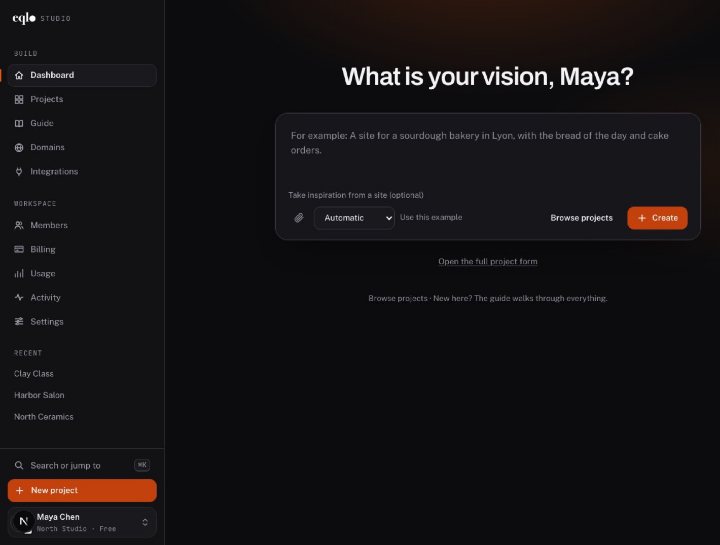
Create, edit and publish, then run your website and your app from their own dashboard. Every feature shown in real screenshots.
See the features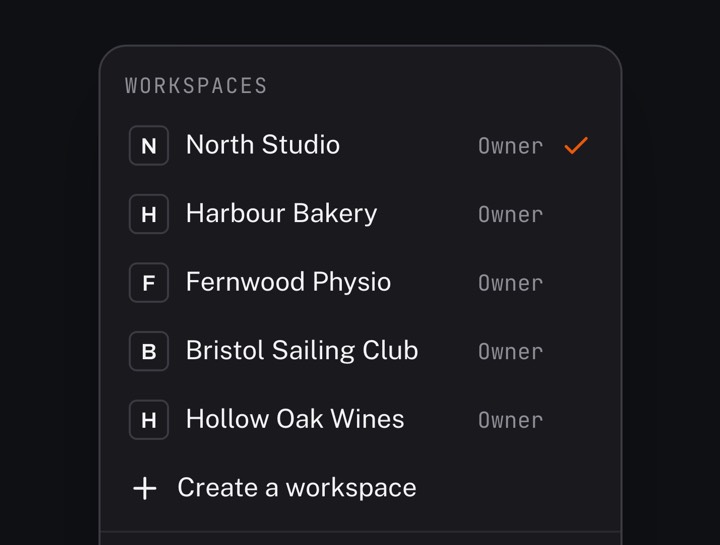
A Next.js project in React and TypeScript, sent to your GitHub repository. A spec change made in the repository comes back to Eqlo.
See the developer page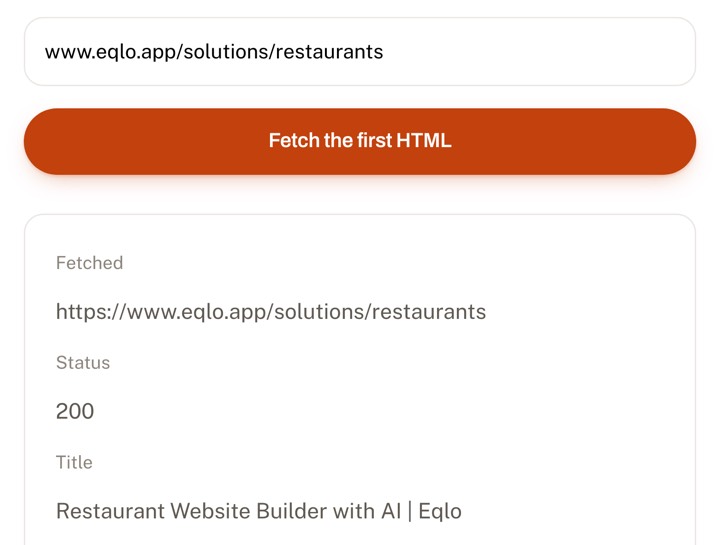
Paste a URL. In thirty seconds you see exactly what Google receives before any JavaScript runs.
Check a URLA good portfolio brings in work, not just compliments. Eqlo is a portfolio website builder that starts from one sentence about your work: it builds the project grid, a page for each project and a quote request form. Your photos are converted to WebP, and each one gets a description Google can read.
Every trade shows its work differently. A photographer presents series, an architect shows dated projects with their floor area, a product designer explains a process. Name your trade in the request, and Eqlo arranges the grid, the project pages and the form to match.
Series sorted by type of shoot, with packages and file delivery times.
Brand identities and their applications, with the client brief and its constraints.
Series and visual worlds, with the technique used and the rights granted.
Dated projects with floor area, budget and stage, plus a before/after block.
A room-by-room tour, with mood boards, budget and how long the work took.
Case studies in three parts: the problem, the process and the measured result.
YouTube or Vimeo clips that load on click, with the formats delivered and your role.
One-off pieces, with materials, making time and custom commissions.
Published excerpts, with the editorial context, languages and topics covered.
Projects with the technology used, your role and a link to the public code.
Whatever the trade, each project should say who it was for, in what context and which part you played. A picture with no caption only speaks to people who already know you.
All thumbnails share the same size. This layout suits projects that look alike, such as photo series or illustration plates. Visitors take in the grid at a glance and open whatever catches their eye.
Thumbnails come in different sizes, so two or three references stand out without breaking the grid. Pick it when some projects matter more than others and should be seen first.
Each project gets a detail page with several images, the context, your role and the result. This format reassures demanding clients. Since every page has its own address, Google can find it too.
Your background in a few lines, the way you work and a real photo of you. Add the clients or industries you work with. Many visitors open this page before they get in touch.
A form that asks for the type of project, a rough budget and the target date. Clients can attach a file, such as a floor plan or a brief. Your email address and social accounts stay visible next to it.
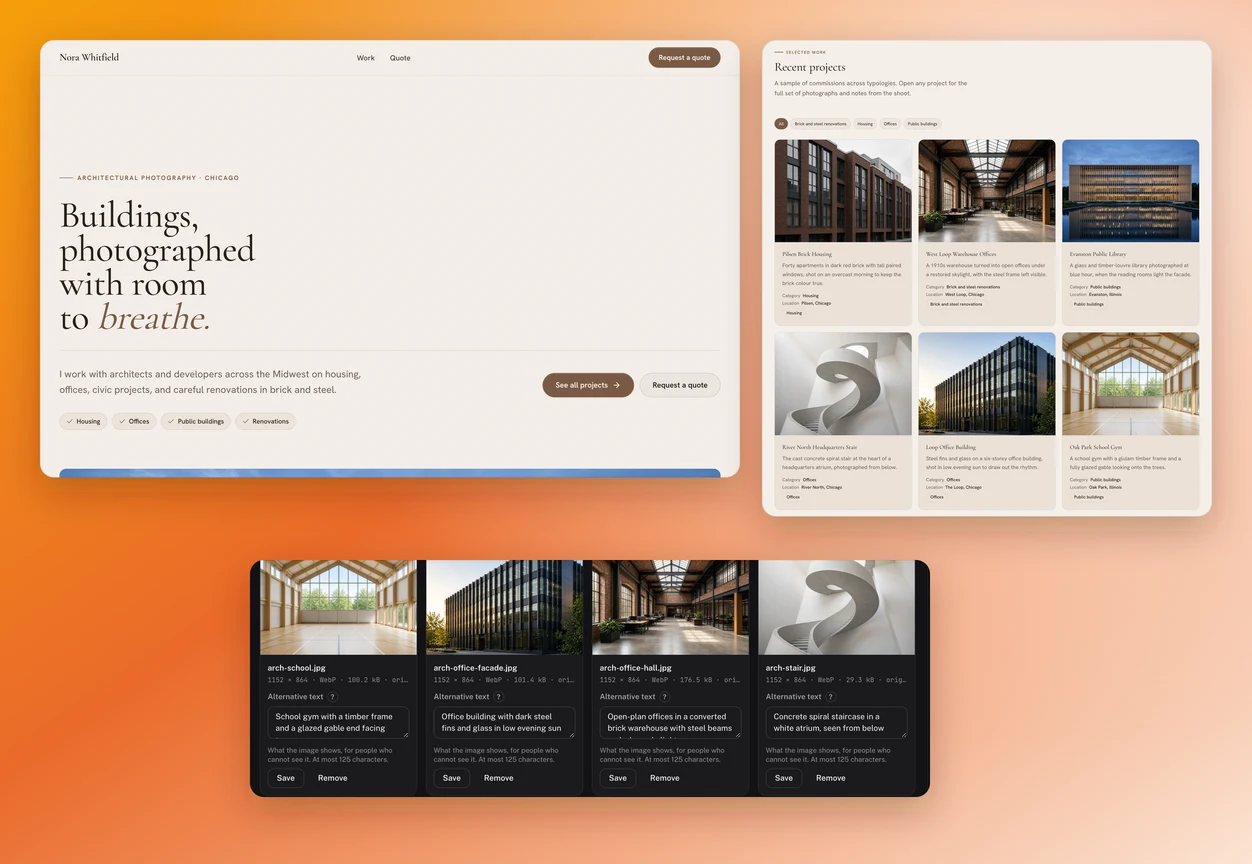
No real photographer is behind this case, but the setup is common. An architectural photographer based in Chicago works for architecture firms and developers. He types one sentence describing his business and his three kinds of commission, then adds about twenty projects to the media library.
After the first version, he makes two changes. He moves three apartment building projects to the top of the grid, because that is the kind of commission he is after. Then he adds the building size and completion year to every project page: his clients look for those details, and they help Google understand the page.
One sentence is enough to start: your trade, your clients and how many projects you want to show. For example: "Architectural photographer in Chicago, about twenty projects for architecture firms and developers." From there, Eqlo picks the grid, the number of pages and the tone of the text.
Drag your files into the media library without preparing them. Large photos are scaled down and converted to WebP, and each one gets a description written by the AI, which you can edit. For every image, you see its weight before and after compression.
For each project, state the client or the context, your exact role and the result. Eqlo writes the project page from those three details. They are what turn a nice picture into a reason to contact you.
The portfolio goes live right away on an eqlo.dev address. On the Plus plan, you connect your own domain by copying two records at your registrar, and the HTTPS certificate installs itself. Step-by-step guides cover GoDaddy, Namecheap, Squarespace and other common registrars.
Many online portfolios never show up in search results. The reason is technical: when a gallery is built entirely in JavaScript, the Google crawler receives an empty page with no text. The site looks great, but nobody finds it.
On Eqlo, every page of your portfolio is published as complete HTML that reads fine without JavaScript. Each project can have its own detail page, with its own address, title and description. A client can then come across your work without anyone sending them the link.
In practice, an architectural photographer can show up for "architectural photographer Chicago", and a well-written project page can show up for the name of the building or the neighborhood. A portfolio made only of pictures has none of those chances.
Put the projects that look like the work you want to win at the top, rather than the ones you are proudest of. Visitors judge your specialty from the first thumbnails and rarely scroll all the way down.
A slow page loses visitors before the third photo. Eqlo scales each image down and converts it to WebP at 200 KB or less, and the media library shows how much was saved. You have nothing to prepare before uploading.
Some work cannot be shown to everyone. Put it on a page reserved for Premium members, an access you grant to each client yourself. Google never indexes those pages.
Ask for the type of project, a rough budget and the target date. You receive fewer messages, but you can give each one a proper answer. A form with only a name and an email mostly attracts requests with no budget.
One sentence is enough for a first version. Then allow 1 to 2 hours to add your photos, give the three details for each project and read everything through. Choosing which projects to show usually takes the longest.
Yes. Every image added to the media library is scaled down, converted to WebP and checked for duplicates. You see its weight before and after compression, and you can upload your files as they are.
Twelve to twenty is enough in most trades. With fewer than ten projects, the portfolio looks thin. Beyond thirty, visitors stop scrolling and the average quality drops.
No. Eqlo offers no watermark and no right-click blocking, and those protections are easy to get around anyway. If an image must not circulate, keep it off the public site or put it on a reserved page.
Yes, with a page reserved for Premium members. You grant access to that client, who signs in with a code sent by email, and Google never indexes the page. This is useful for work under a nondisclosure agreement.
Nothing technical stands in the way: every page is published as complete HTML, with its own address, title and text. Ranking then depends on what you write and on the links that point to your site.
Yes. Ask for it in the chat, and the site admin gets a Blog area where you write posts, keep them as drafts or schedule them. In creative trades, a journal shows how you work, as long as you keep it up.
Yes, by adding a store to the same project. Payments go straight to your own Stripe account, with no commission taken by Eqlo. You stay in charge of printing and shipping.
Yes. The code is a Next.js project in React and TypeScript, which you can send to your own GitHub repository. Code export is included on every plan, the free one too.
Five free projects, no card required. Your photos are made lighter on upload, and your code can be exported at any time.